

Also Read

Start part modeling and select front plane as reference then draw the sketch like shown below. then extrude the closed area of the sketch.


Now select top surface as reference then create holes.

2. CAP part of pillar bearing assembly:
Now select front plane as reference then draw the below shown shape by using sketch tools and dimension it. Now extrude the sketch to create 3D components.


3. Bearing half part of Pillar bearing assembly.
Take front plane as reference then draw the below shown shape by using sketch tools. Now revolve the sketch to 180 degrees.

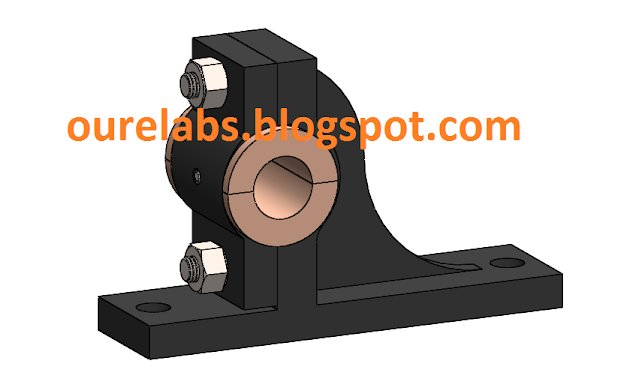
The remaining parts of Pillar bearing are Stud, Hexagon nut and Pin imported from tool box and then assembly the parts in solidworks assembly.




Comments